
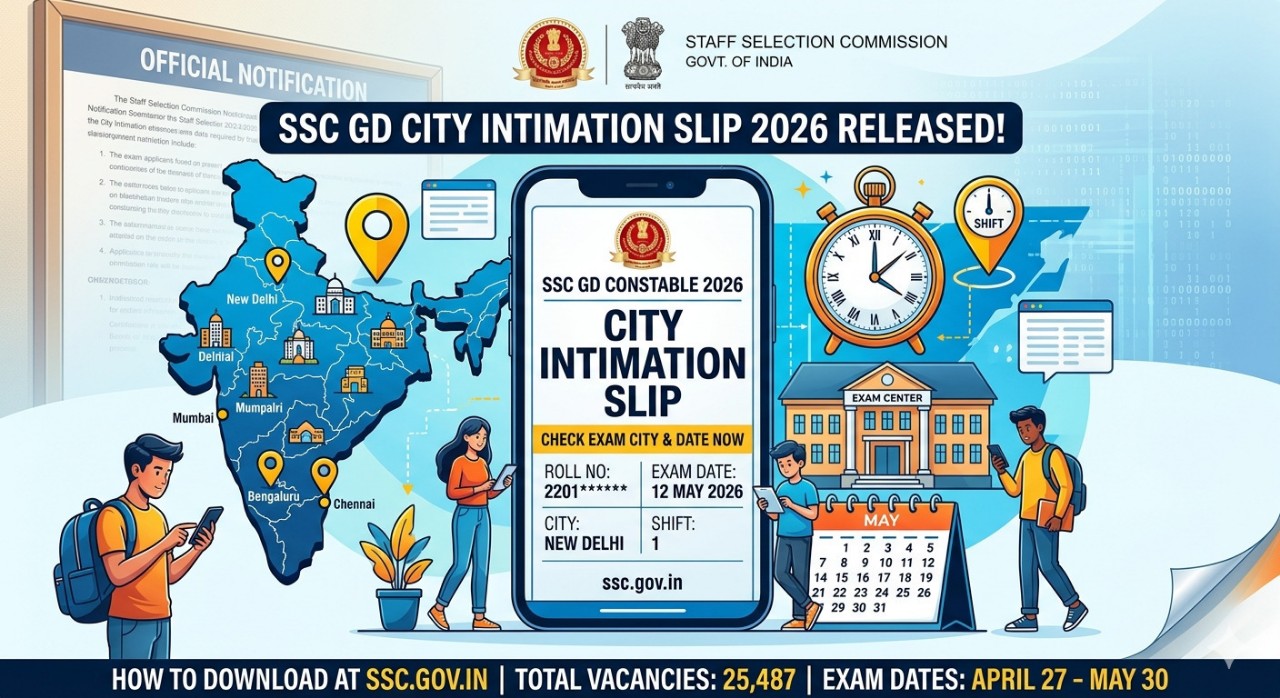
The wait is finally over for lakhs of aspirants appearing for the SSC GD Constable Examination 2026. The Staff Selection Commission (SSC) officially released the SSC GD City Intimation Slip 2026 on April 19, 2026. This slip is a crucial document for candidates to identify their allotted exam city and schedule their travel and logistics well in advance.
If you are one of the candidates who applied for the Constable (General Duty) posts in CAPFs, SSF, Assam Rifles, or Sepoy in NCB, this guide will walk you through everything you need to know about downloading your city slip and preparing for the upcoming exam.
SSC GD 2026 Exam Overview
The SSC GD Constable recruitment drive aims to fill 25,487 vacancies across various paramilitary forces. The selection process is highly competitive, consisting of a Computer-Based Test (CBT), followed by Physical Efficiency (PET) and Medical Tests.
| Event | Details |
|---|---|
| Organization | Staff Selection Commission (SSC) |
| Exam Name | SSC GD Constable 2026 |
| Total Vacancies | 25,487 |
| City Slip Release Date | April 19, 2026 |
| CBT Exam Dates | April 27 to May 30, 2026 |
Official Website: ssc.gov.in
Importance of the SSC GD City Intimation Slip
Many candidates often confuse the City Intimation Slip with the actual Admit Card. It is important to note that the City Intimation Slip is NOT the Admit Card.
The slip is provided purely for advance information. Since the SSC GD exam is conducted across various centers in India, knowing your exam city 7–10 days before the test allows you to:
- Book Travel: If your center is in a different city, you can book bus or train tickets early.
- Arrange Accommodation: Find a place to stay if the exam city is far from your residence.
- Confirm Exam Date: Knowing your specific shift and date helps you streamline your final week of revision.
The official Admit Card, which contains the exact address of the exam center and room number, will be released separately 3 to 5 days before your specific exam date.
SSC GD 2026 Exam Schedule (Phase-Wise)
The SSC has scheduled the Computer-Based Test in four distinct windows to manage the massive number of applicants. Here is the breakdown:
Phase 1: April 27 to May 2, 2026
Phase 2: May 4 to May 9, 2026
Phase 3: May 18 to May 23, 2026
Phase 4: May 25 to May 30, 2026
Ensure you check your city slip immediately to see which phase your exam falls under.
How to Download SSC GD City Intimation Slip 2026
Follow these simple steps to access your exam details on the official portal:
Visit the Official Website: Go to ssc.gov.in.
Navigate to Login: Look for the “Login” module on the homepage.
Enter Credentials: Input your Registration Number and Password (created during the application process).
Find the GD Tab: Once logged in, navigate to the “Constable (GD) 2026” section or the “Latest News/Admit Card” tab.
View City Slip: Click on the link for “City Intimation Slip.”
Download and Print: Your exam city, date, and shift will appear. Download the PDF and take a printout for your reference.
Details Mentioned on the Slip
Candidate’s Full Name
Registration Number & Roll Number
Exam City Allotted
Date of Examination
Shift Timing (Morning, Afternoon, or Evening)
Category & Gender
What to Do If You Can’t Log In?
If you are facing issues while downloading the SSC GD City Intimation Slip 2026, do not panic. High traffic on the website can sometimes cause slow loading times. Here are a few tips:
Check Credentials: Ensure you are entering the registration number correctly (check your confirmation email/SMS).
Clear Browser Cache: Sometimes old data prevents the login page from loading properly.
Try Regional Websites: While the main portal is ssc.gov.in, some regions also provide links on their specific regional websites (e.g., SSCKKR, SSCSR, etc.).
Contact Helpdesk: If your details are still not showing, contact the SSC regional helpdesk immediately.
Final Strategy for SSC GD 2026 Aspirants
With the exam starting on April 27, you have very little time left. Focus on the following areas to maximize your score:
1. Focus on Mock Tests
Take at least one full-length mock test every day. This will help you manage the 60-minute time limit more effectively. Focus on the four sections: General Intelligence & Reasoning, General Knowledge, Elementary Mathematics, and English/Hindi.
2. Revise Key Topics
Reasoning: Coding-Decoding, Series, and Analogies.
Maths: Percentages, Profit & Loss, and Time & Work.
GK: Focus on current affairs from the last 6 months and basic static GK about India.
3. Review the Syllabus
Don’t try to learn anything entirely new in the last week. Instead, strengthen what you already know.
Frequently Asked Questions (FAQs)
Q1: Is the City Intimation Slip the same as the Admit Card?
Ans: No. The City Intimation Slip only shows the city and date. The Admit Card with the full center address will be available 3-5 days before the exam.
Q2: Can I change my allotted exam city?
Ans: No, the Staff Selection Commission does not entertain requests to change the exam center or city once allotted.
Q3: What documents are required for the exam hall?
Ans: You will need the printed Admit Card, a valid original Photo ID (Aadhar Card, PAN Card, etc.), and recent passport-size photographs. The City Intimation Slip is not required for entry.
Q4: My City Intimation Slip shows a discrepancy in my name. What should I do?
Ans: Immediately contact the regional SSC office where you applied to get any errors in your personal details corrected before the admit card is issued.
Conclusion
The release of the SSC GD City Intimation Slip 2026 is the final signal that the battle is about to begin. Stay focused, plan your travel early, and keep your login details ready for the admit card release. For more updates on government job notifications, results, and study materials, stay tuned to our blog!
Good luck to all the candidates!
Also Check: Latest Government Job Notifications 2026
🚨 SSC Selection Post 2026 Notification OUT – Apply Now | Eligibility, Vacancy, Salary, Last Date (Full Details)
Discover more from Namma Govt Job
Subscribe to get the latest posts sent to your email.